In the room
Human-centered STEAM workshops
- Kids design for real people and real needs
- Real tools from donated equipment, across all five STEAM areas
- A variety of formats, led by trained local facilitators
501(c)(3) Nonprofit, EIN 42-2735531
Every child deserves to hold a circuit board, look through a microscope, build something real, and discover what they are capable of.
Kids Engine brings human-centered STEAM to K–12 children: they design for real people and real needs, using real tools. We deliver workshops in a variety of formats, with a focus on communities where tools, technology, and hands-on learning are hard to come by, and every workshop is backed by Kite, our human-centered STEAM learning platform.
💡 Human-centered STEAM
♻️ Donated gear, second life
The access gap
Kids Engine closes that gap by bringing real tools, guided activities, and trained facilitators directly to communities with limited access.
Learn about science without ever using a microscope.
Hear about robotics without programming a robot.
See technology everywhere without building a circuit.
Study design without making something of their own.
Human-centered STEAM
Most STEAM programs start with the technology. Ours start with people. Kids Engine uses human-centered design principles, so children learn science, technology, engineering, arts, and math by designing for real people and real needs.
It comes from our founder's background in human-computer interaction (HCI), the field that puts people at the center of how technology is designed.
Kids begin with a real person and a real need, and ask what would help.
They sketch and share ideas, then choose one to try.
They build it with real tools, sensors, and code, and test it with that person in mind.
They gather feedback and make it better. Mistakes are part of the design.
One program, two engines
Kids Engine is more than a one-off workshop. Our human-centered STEAM workshops come in a variety of formats, and every one is backed by Kite, our human-centered STEAM learning platform, so kids keep designing for real people, coding and testing what they build, teachers run every session from one place, and families follow along from home.
In the room
On Kite
What makes Kids Engine different
Most equipment-donation efforts move hardware but do not teach. Many STEAM programs teach but depend on tools and infrastructure that communities may not have. Kids Engine closes the loop: donated equipment gets a second life inside human-centered STEAM workshops, guided activities, and facilitator training that local partners can keep using.
Our workshops run on donated equipment whenever possible. Good for children, good for the planet.
Donated tools are reviewed, cleaned, repaired, and matched to age-appropriate STEAM activities.
Each program is planned around its setting: available resources, local facilitators, language, and community.
Donated equipment becomes a portable STEAM lab that the community keeps using after we leave.
STEAM programs
Kids Engine programs connect science, technology, engineering, arts, and math through human-centered design, real tools, donated equipment, and local facilitator support.
Real experiments, microscopes, sensors, and lab tools
Circuits, coding hardware, robotics, and creative computing
Structures, machines, wearables, and real-world design challenges
Digital art, music, animation, and creative technology
Measurement, patterns, data, logic, and problem solving through hands-on projects
Grounded in evidence
~100
children have already experienced this approach
Through our founder's prior hands-on workshops and research programs, roughly 100 children have built circuits, worked with sensors, experimented with tools, and created with technology, many for the first time. We report real numbers, not projections.
13
published papers ground our work
Kids Engine is built on a decade of peer-reviewed research by our Founder & Executive Director, Dr. Rojin Vishkaie, and collaborators on how children learn, create, and connect with technology.

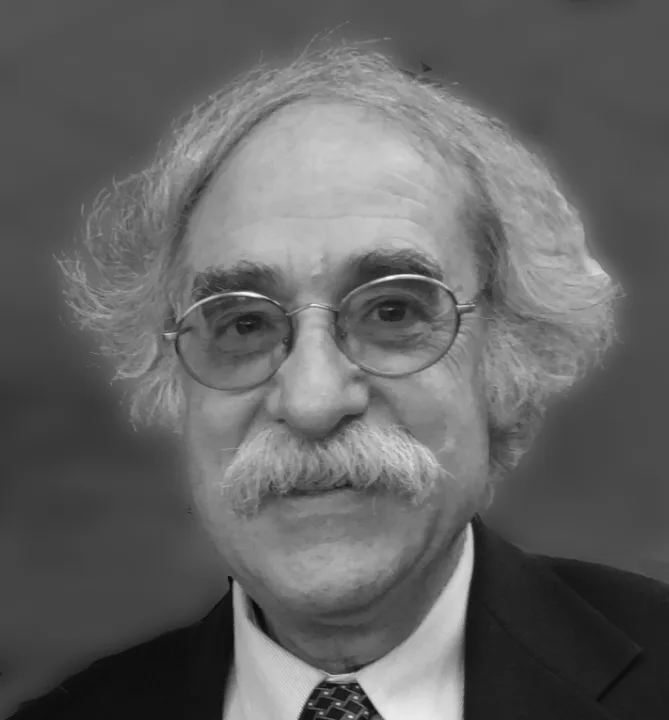
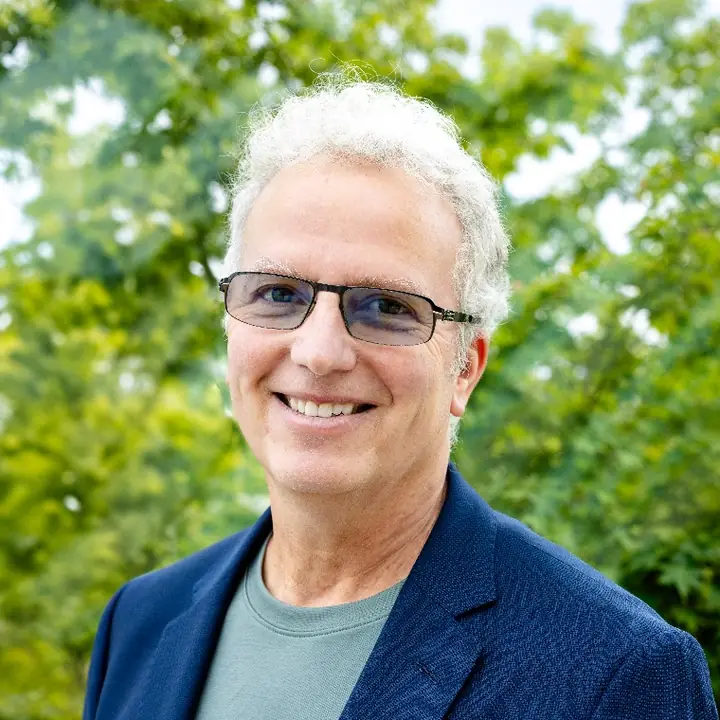





Guided by an advisory board of leading educators, researchers, and scientists in STEAM education, engineering learning, and computational thinking.
Meet the boardWhere we're headed
We're starting with pilot programs in the U.S. and building toward communities worldwide.
Phase 1 · Now: Founder-led launch. 1–3 US locations, founder-run programs, building the evidence base and first corporate equipment partnerships.
Phase 2 · 2027–2028: Facilitator network. Pilot expansion across selected U.S. and international partner sites, with trained local facilitators running programs with Kids Engine support.
Phase 3 · 2029+: Licensed curriculum. A global partner network. Kids Engine curriculum, toolkits, facilitator training, and evaluation tools adapted with approved partner organizations worldwide.
The learning platform behind every workshop
Every Kids Engine workshop is backed by Kite, our human-centered STEAM learning platform. It carries the same human-centered design approach into every lesson: kids meet a real person with a real need, design for them, build and code with real parts, then test with that person and improve from what they say. Kite is made for kids in kindergarten through Grade 12, with tools for the teachers, facilitators and families around them.
Meet the person they are designing for, like a school gardener whose plants keep drying out. Plug a soil sensor into a micro:bit through Seeed Studio Grove ports, code a reminder in the Launchpad, run it on a virtual board and a real one, then test it with that person and make it better.
Plan sessions, prep kits, check kids in with QR cards, guide teams in Mission Control, and review their work, including the feedback each team got from the person they designed for.
Follow progress from home and approve what gets shared. Kids sign in with a QR card or PIN, no email needed.
Opens kite.kidsengine.org in a new tab
What your gift makes possible
Your gift supports equipment, materials, facilitator training, travel, and program delivery. Here are some sample giving levels.
$50 helps supply materials for one hands-on STEAM station.
$150 helps prepare sensors, circuits, batteries, and repair parts for a workshop.
$500 helps equip a robotics, coding, science, or creative technology station.
$1,500 funds a full traveling program: equipment, travel, and a trained facilitator for 25 to 40 children.
Ways to help
Fund a pilot, donate equipment, open your space, or lead a session. Each one puts real tools and trained facilitators in front of children.
Your gift funds materials, travel, setup, facilitation, and local training.
Laptops, tablets, robotics kits, and lab instruments, new or gently used.
Schools, libraries, community centers, and youth organizations can host a program.
Training for teachers, volunteers, university students, and community educators.
Program partners
Start a conversation, make an introduction, or explore a partnership.


